
Create teams to organize members and manage shared resources like storage volumes.Documentation Index
Fetch the complete documentation index at: https://docs.cloud.vessl.ai/llms.txt
Use this file to discover all available pages before exploring further.
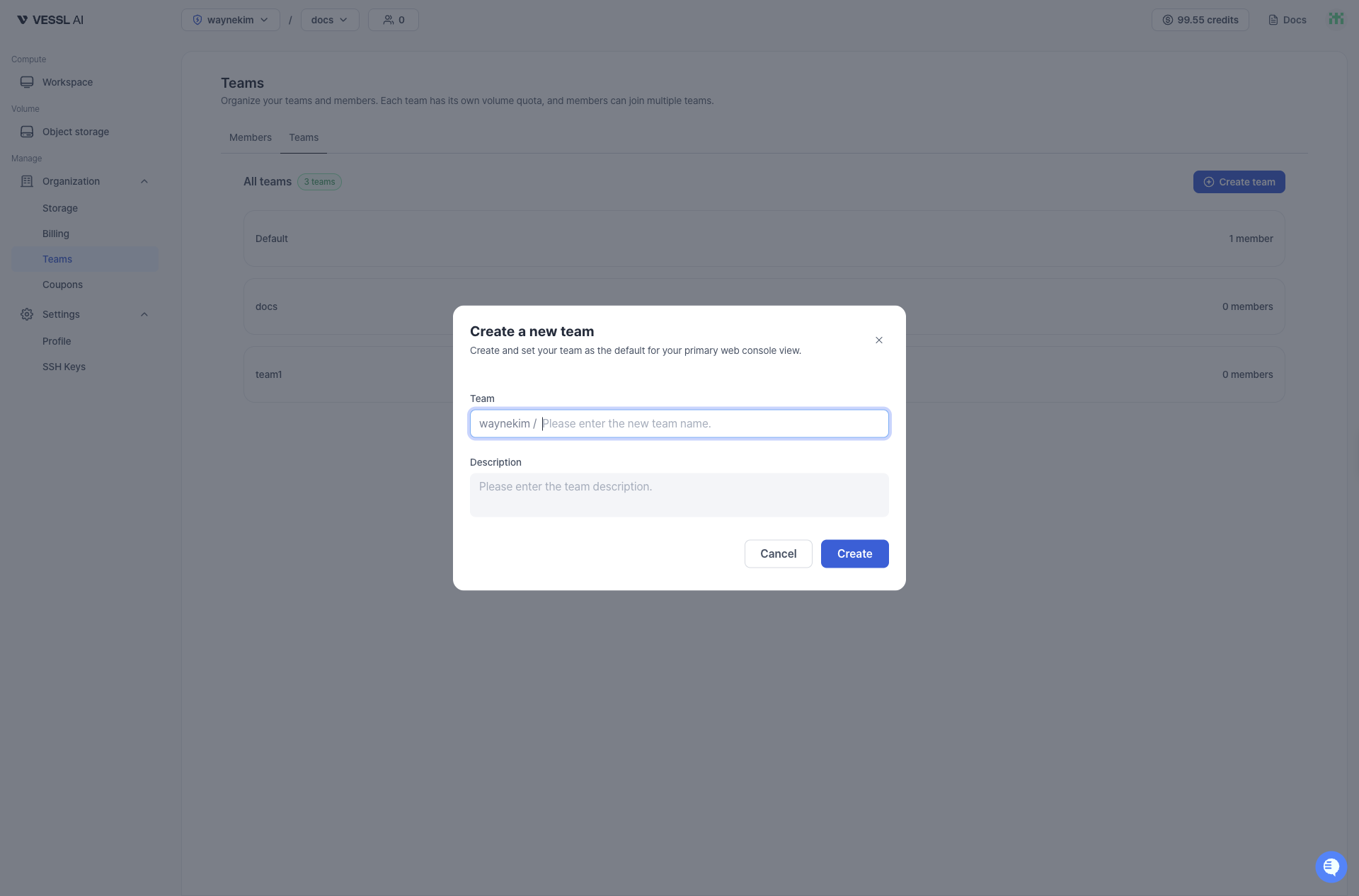
After creating a team, you can:
- Assign members to the team from the Member list or Invite member page
- Create and assign storage volumes for team collaboration
- View team details in the Team list