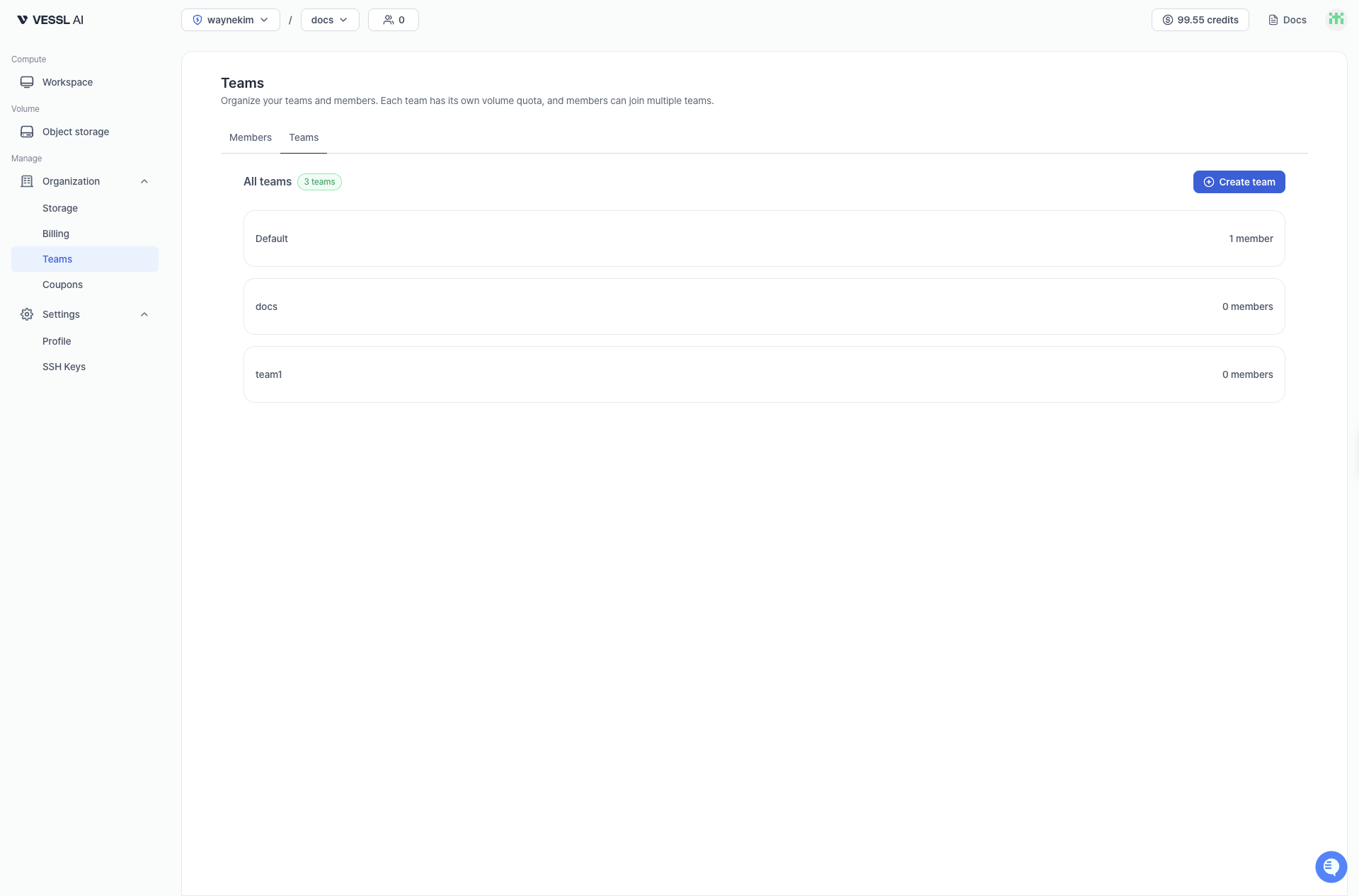
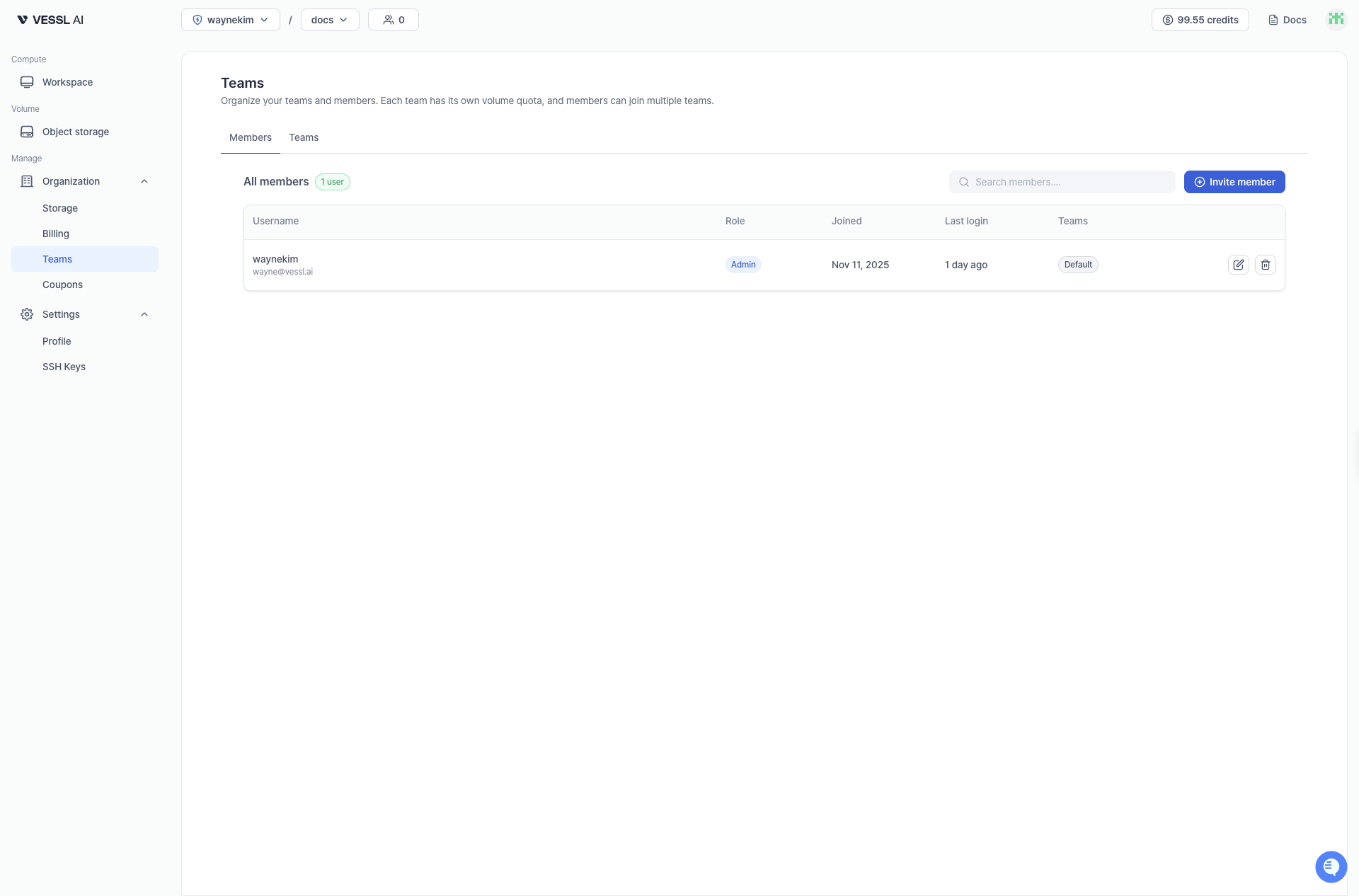
View all members and teams in your organization. The Teams page has two tabs: Members and Teams.Documentation Index
Fetch the complete documentation index at: https://docs.cloud.vessl.ai/llms.txt
Use this file to discover all available pages before exploring further.
Members tab
The Members tab lists all members in your organization with their team assignments and activity information.- Username: name and email
- Role: member role in the organization
- Joined: date when the user joined the organization
- Last login: last sign-in time
- Teams: teams the member belongs to
Teams tab
The Teams tab shows all teams and their member counts.