
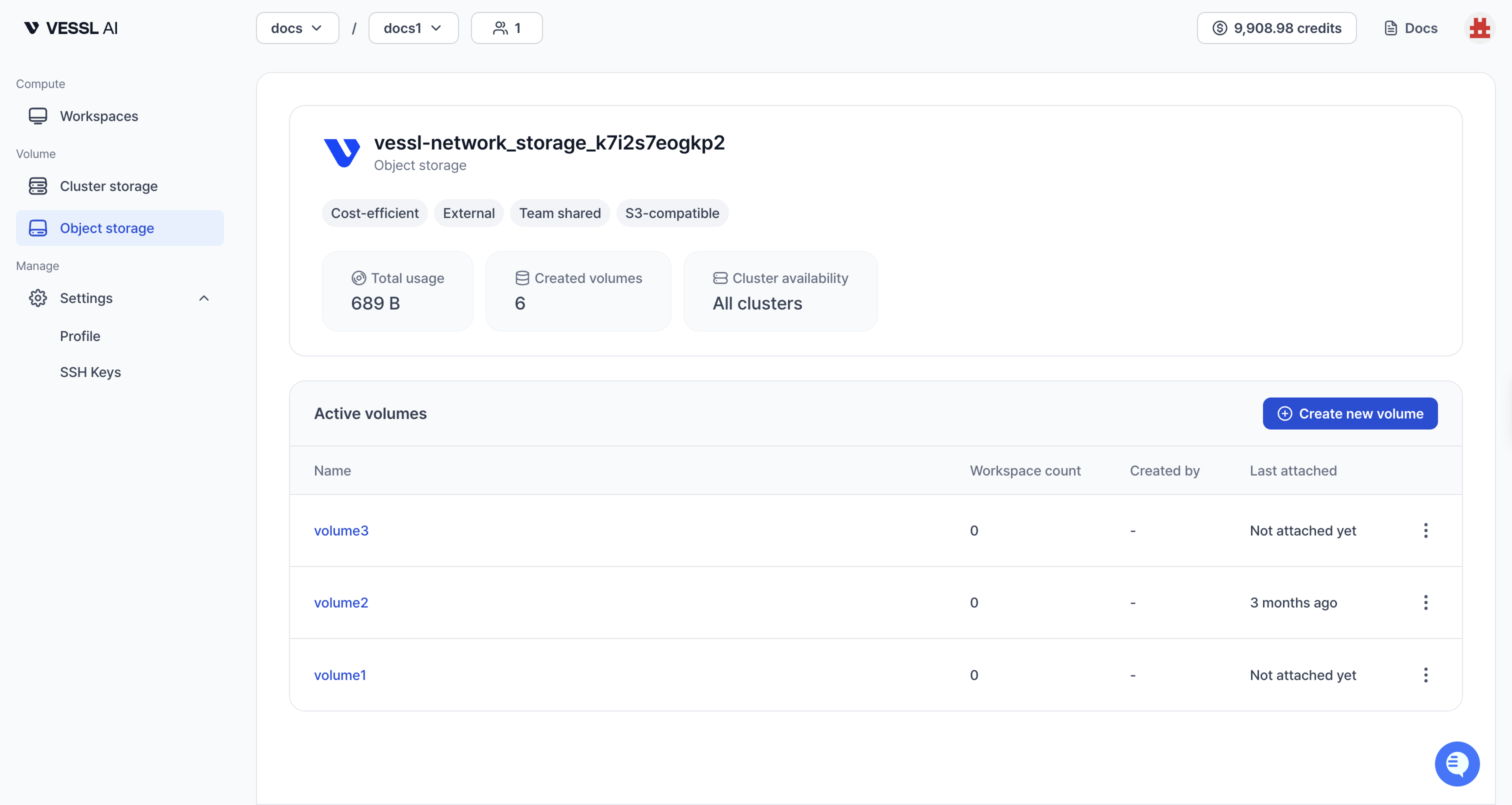
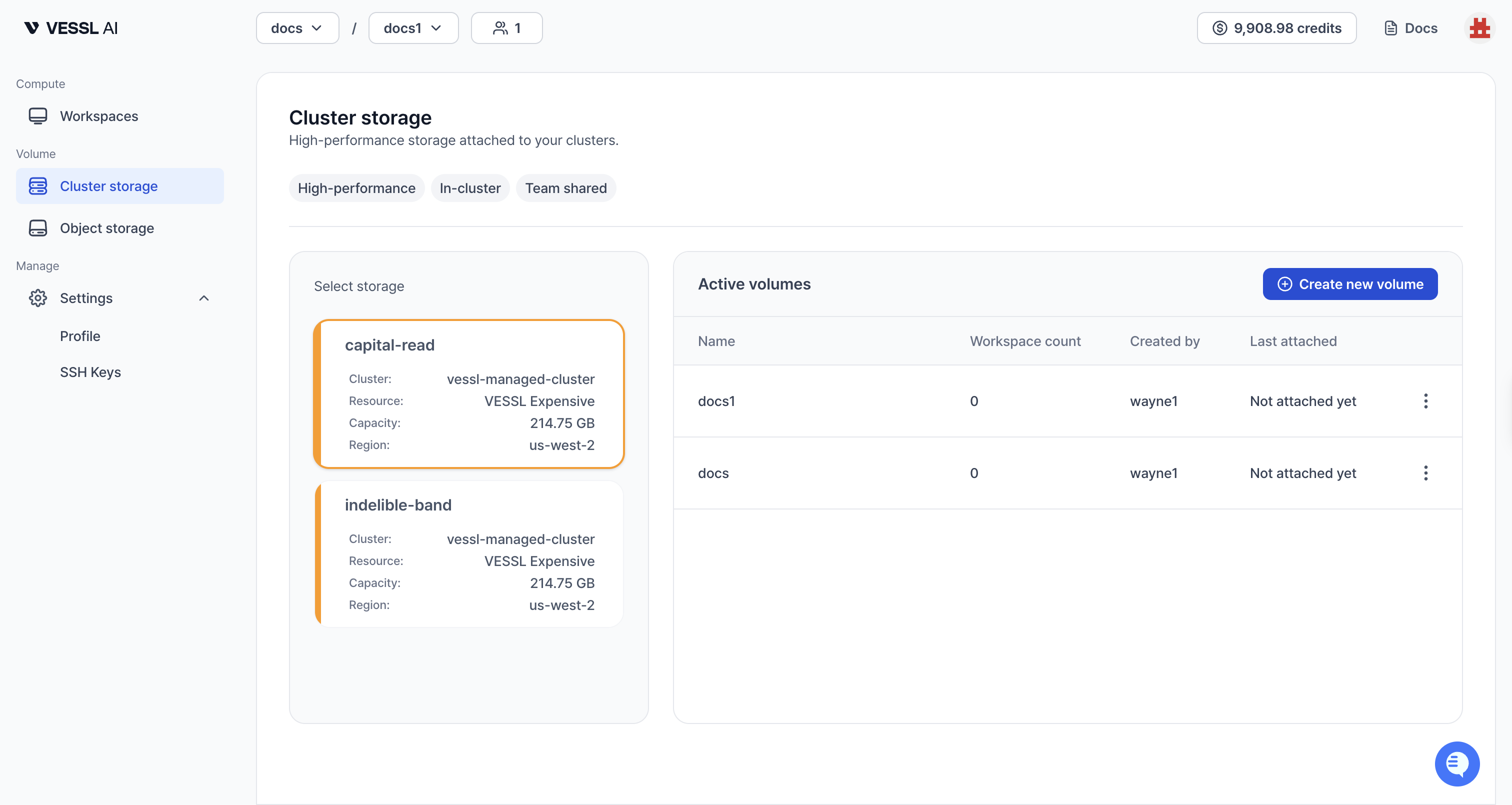
The volume list shows all storage volumes available to your team(s). Click Object storage or Cluster storage in the sidebar to view each type.Documentation Index
Fetch the complete documentation index at: https://docs.cloud.vessl.ai/llms.txt
Use this file to discover all available pages before exploring further.
Quick demo
Explore how to view and access storage volumes with the quick demo below.The volume list shows the following columns:
- Name: Volume name
- Type: Storage type (Object storage or Cluster storage)
- Usage: Current storage usage
- Teams: Teams with access to this volume
- Created by: User who created this volume
- Cluster: Clusters where the volume can be mounted (Object storage is accessible across all clusters)
- Last accessed: Last time it was attached to any workspace