Documentation Index
Fetch the complete documentation index at: https://docs.cloud.vessl.ai/llms.txt
Use this file to discover all available pages before exploring further.
The job command lets you create and manage batch compute jobs on VESSL Cloud. Jobs run a command to completion on a specified cluster and resource configuration.
list
List jobs in the current team.
| Flag | Short | Description |
|---|
--state | -s | Filter by job state (for example, running, succeeded, failed) |
--page | | Page number for pagination |
--per-page | | Number of results per page |
--hide-deleted | | Hide cancelled and terminated jobs |
vesslctl job list --state running --per-page 20
show
Display detailed information about a specific job.
| Argument | Description |
|---|
slug | Unique identifier of the job |
create
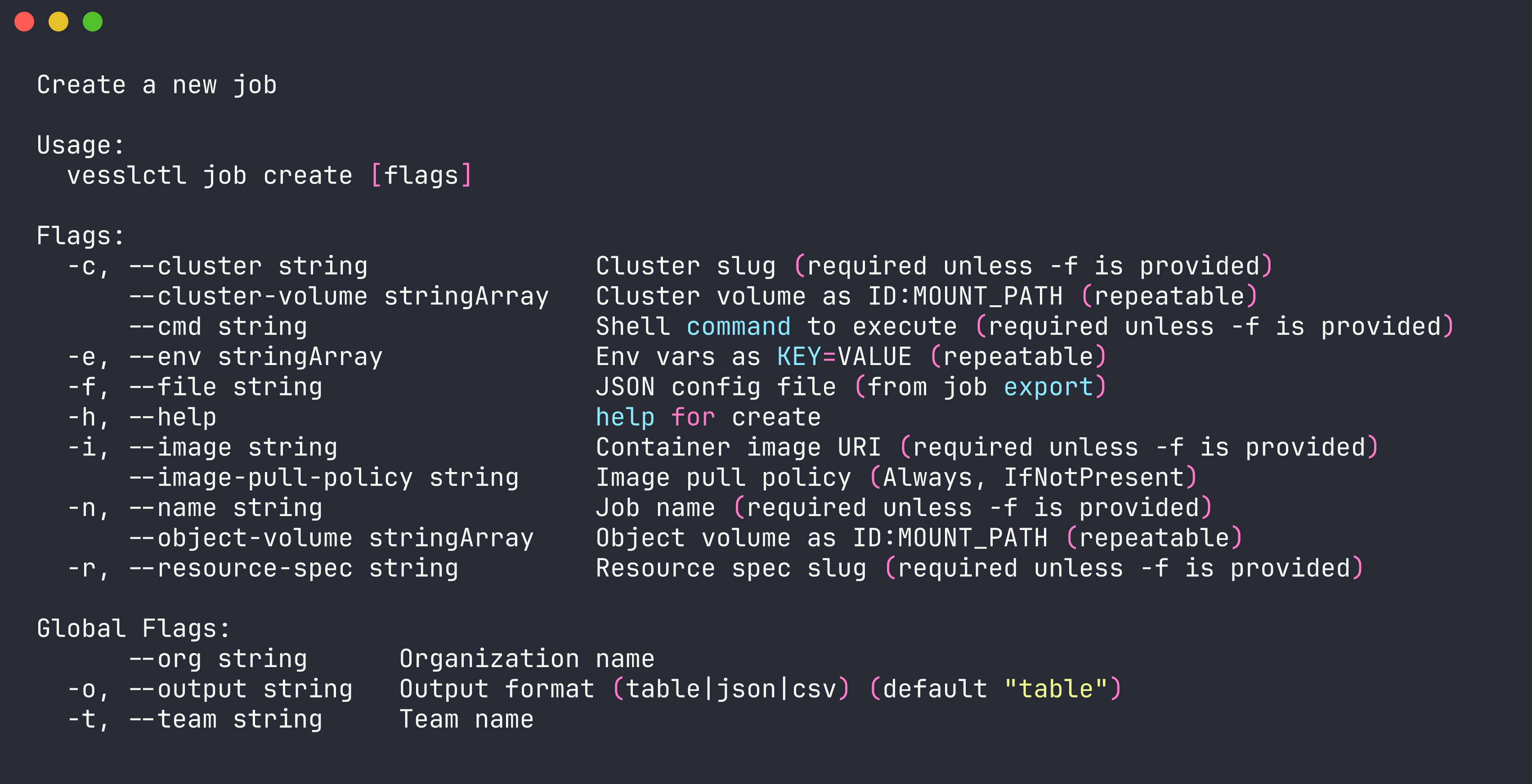
Create and submit a new job. You can provide configuration inline with flags or using a JSON file.
vesslctl job create --name my-job --resource-spec <slug> --image <image> --cmd "python train.py"
| Flag | Short | Required | Description |
|---|
--file | -f | No | Path to a JSON config file (alternative to inline flags) |
--name | -n | Yes | Name for the job |
--resource-spec | -r | Yes | Resource spec slug (cluster is derived automatically) |
--image | -i | Yes | Container image to use |
--cmd | | Yes | Command to execute |
--env | -e | No | Environment variable in KEY=VALUE format (repeatable) |
--object-volume | | No | Mount an object volume as SLUG:MOUNT_PATH (repeatable) |
--cluster-volume | | No | Mount a cluster volume as SLUG:MOUNT_PATH (repeatable) |
--image-pull-policy | | No | Image pull policy: Always or IfNotPresent |
--tag | | No | Tag value to attach (repeatable, auto-creates if not exists) |
vesslctl job create \
  --name my-training-job \
  --resource-spec <spec-name> \
  --image quay.io/vessl-ai/torch:2.9.1-cuda13.0.1-py3.13-slim \
  --cmd "python train.py --epochs 10" \
  --env WANDB_API_KEY=<your-key> \
  --object-volume <volume-slug>:/data
Run vesslctl cluster list and vesslctl resource-spec list to see available clusters and GPU specs.
vesslctl job create --file job-config.json
Pricing summary and credit balance. job create shows the resource spec, hourly cost, current credit balance, and estimated remaining hours before submitting. Creation is blocked when the balance is zero or negative — run vesslctl billing show to inspect, or top up before retrying.
terminate
Terminate a running job.
vesslctl job terminate <slug>
| Flag | Short | Description |
|---|
--yes | -y | Skip confirmation prompt |
export
Export a job’s configuration as JSON. Useful for reusing or version-controlling job configs.
vesslctl job export <slug>
vesslctl job export my-job-abc123 > job-config.json
logs
View logs from a job.
| Flag | Short | Default | Description |
|---|
--limit | | 100 | Number of log lines to return |
--follow | -f | | Stream logs in real time |
vesslctl job logs my-job-abc123 --follow
tag
Manage tags on a job. See vesslctl tag for details on job tag attach and job tag detach.