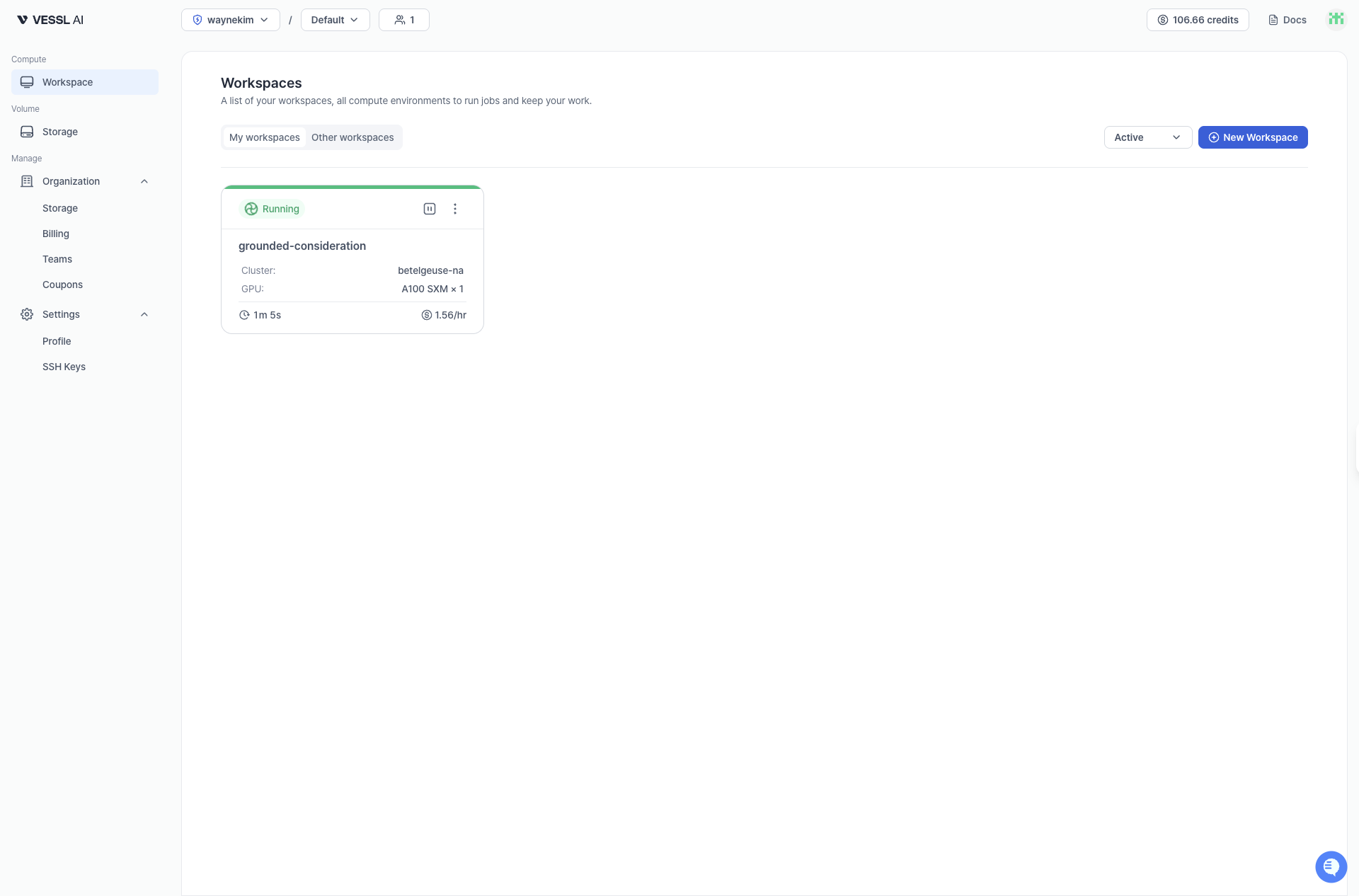
Workspace lets you instantly run a containerized environment with GPU and CPU resources for ML development. In a workspace, you can run code using JupyterLab or connect using SSH.Documentation Index
Fetch the complete documentation index at: https://docs.cloud.vessl.ai/llms.txt
Use this file to discover all available pages before exploring further.
- Start quickly without complex infrastructure setup
- Choose resources and launch instantly
- Pause to preserve the environment at lower cost, or Terminate to stop billing